Power Automate · Licensing · Power Platform
Power Automate licensing explained: Microsoft 365 vs Premium vs Process
By Costa Consulting Group · · 5 min read
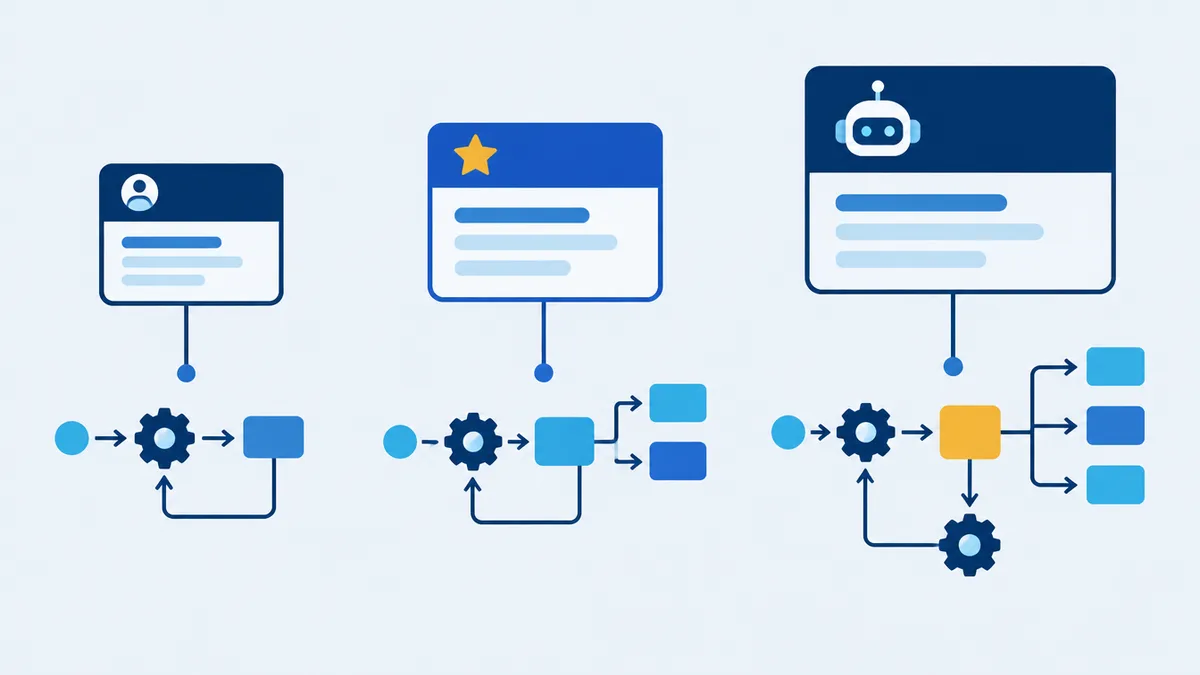
Power Automate licensing generates more questions than any other part of our projects. The short answer is that many flows need no extra license at all, and the ones that do usually need it for a single reason: a premium connector. Here is how it works, based on Microsoft’s October 2026 Power Platform Licensing Guide and Microsoft Learn.
The short version
| License | Price (USD, annual) | Use it for |
|---|---|---|
| Included with Microsoft 365 | $0 extra | Cloud flows with standard connectors: SharePoint, Outlook, Teams, Forms, Approvals |
| Power Automate Premium | $15 per user per month | Users who build or run flows with premium or custom connectors, plus attended RPA |
| Power Automate Process | $150 per bot per month | Unattended RPA, or one critical flow that serves the whole organization |
| Power Automate Hosted Process | $215 per bot per month | Process, plus a virtual machine hosted by Microsoft |
| Pay-as-you-go (preview) | $0.60 per premium cloud flow run | Occasional premium flows, billed through Azure |
What Microsoft 365 already includes
Most Microsoft 365 and Office 365 business, enterprise, frontline, and education plans include Power Automate rights for productivity scenarios. With them you can build automated, scheduled, and button-triggered cloud flows that use standard connectors. SharePoint, Office 365 Outlook, Teams, Microsoft Forms, OneDrive, and Approvals are all standard.
Microsoft’s FAQ is explicit: “If the flow doesn’t use a premium connector, you don’t need a Premium license. You can use a Microsoft 365 license.”
What Microsoft 365 does not include: premium connectors, custom connectors, the on-premises data gateway, business process flows, desktop flow orchestration (RPA), and AI Builder.
Power Automate for desktop is also free on Windows for personal, attended automation run by the user on their own computer. Scheduling, triggering from the cloud, and sharing desktop flows need a paid license.
When a flow becomes premium
A flow becomes premium the moment it uses a premium capability: a premium connector, a custom connector, the on-premises data gateway, RPA, or business process flows. One premium action is enough.
Common premium connectors include SQL Server, Microsoft Dataverse, Salesforce, Oracle, SAP, Azure Blob Storage, Azure DevOps, and HTTP with Microsoft Entra ID. The HTTP action is also marked Premium in the flow designer.
Who needs the license: owner or user?
This depends on how the flow starts:
- Automated and scheduled flows run in the owner’s context. If they use a premium connector, the owner needs Premium.
- Instant flows (a button, or a flow triggered from Power Apps) run in the context of whoever starts them. If they use premium features, every user who runs them needs Premium, or the flow needs a Process license.
Two rules catch people out:
- Multiplexing does not reduce licensing. One Premium license on a shared service account that many people use indirectly is not compliant. If a premium flow is triggered by many users adding SharePoint items and it emails each submitter, those submitters need licenses too. The compliant way to serve many users from one flow is a Process license.
- People who only respond to approvals do not need Premium.
Power Automate Premium
At $15 per user per month, Premium gives one user:
- Unlimited cloud flows within service limits, with standard, premium, and custom connectors
- The on-premises data gateway
- Attended RPA, with desktop flow authoring and orchestration
- Process and task mining (50 MB of data per user, pooled)
- Dataverse capacity: 250 MB database and 2 GB file per license
- 40,000 Power Platform requests per user per 24 hours
Power Automate Process
At $150 per bot per month, the Process license licenses capacity rather than people. It works in one environment and can be used in two ways:
- On a machine: one unattended bot that runs one desktop flow at a time. Running flows in parallel needs one license per bot.
- On a cloud flow: the flow can use premium and custom connectors for unlimited users in the organization, regardless of their own license, with 250,000 requests per day. The flow must be in a solution, and up to 10 licenses can be stacked on one flow.
The licensing guide adds that child flows triggered by another flow do not need their own license. For request capacity, Microsoft Learn notes that a child flow does not inherit the parent’s capacity unless both are placed in a flow group.
Note that a Premium user is still needed to register machines and to build desktop flows. Hosted Process ($215) adds a virtual machine managed by Microsoft. Running Windows and Office unattended also needs the Microsoft 365 unattended license.
The older per-flow and per-user plans were removed from the price list on February 1, 2024. Existing contracts still work, but new purchases should use Premium and Process.
Pay-as-you-go
In an environment linked to an Azure subscription, premium cloud flows and attended desktop flows cost $0.60 per run, and unattended desktop flows cost $3.00 per run. Flows with only standard connectors are not charged, and neither are runs by users whose own license already covers them. These meters are still labeled preview, and Process licenses are ignored in pay-as-you-go environments.
What changes in November 2026
- AI Builder credits end. The 5,000 monthly AI Builder credits that came with Premium and Process reach end of life on November 1, 2026. New and renewed licenses no longer include them, and existing contracts keep them until the end of the term. AI features then consume Copilot Credits, priced at $0.01 per credit on pay-as-you-go.
- Agent flows created in Copilot Studio are billed in Copilot Credits, not Power Platform requests.
What happens if you are out of compliance
Microsoft emails admins a license report and gives them 90 days to fix it. After that, environment creation and copies are blocked, and after 180 days premium flows can be suspended. If a premium flow’s owner loses their license, the flow is turned off after 14 days.
How we can help
Most licensing questions disappear with the right design. Sometimes a premium connector can be replaced with a standard one. Other times one Process license is cheaper than licensing every user. We review your flows, tell you which licenses you actually need, and build them to stay compliant. See our Power Automate services or book a discovery call.
Sources
- Microsoft, Power Platform Licensing Guide, October 2026.
- Microsoft, Power Automate pricing, accessed October 2026.
- Microsoft Learn, Types of Power Automate licenses, Deep dive on specific licenses, and Licensing FAQ, September–October 2026.
- Microsoft Learn, Pay-as-you-go meters and Requests limits and allocations, October 2026.
- Microsoft Learn, When flows are turned off.
- Microsoft Learn, End of AI Builder credits, October 2026.
- Microsoft Learn, Premium connectors.