Copilot Studio · AI agents · Microsoft Copilot
Copilot Studio for business: pricing, agents, and when it makes sense
By Costa Consulting Group · · 5 min read
Copilot Studio is now the place where most companies build AI agents on Microsoft 365. It is also the part of the Microsoft stack where costs are hardest to predict, because almost everything is billed in Copilot Credits and the rules depend on who uses the agent, where, and how it was built. Here is a practical guide as of October 2026, based on Microsoft’s licensing guides and Microsoft Learn.
What Copilot Studio is today
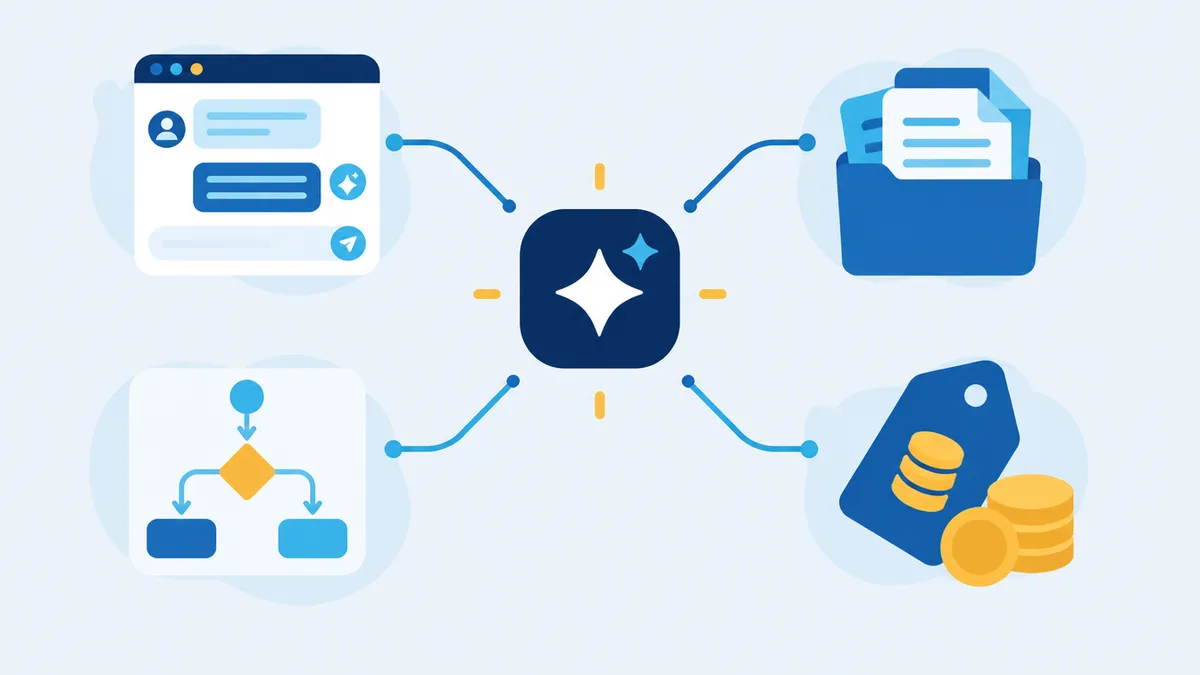
Microsoft describes Copilot Studio as “a graphical, low-code studio for building and managing AI-powered agents and workflows.” You use it to build:
- Agents that answer questions from your knowledge (SharePoint, files, Dataverse, websites, and systems such as ServiceNow or Salesforce) and take actions through Power Platform connectors, flows, and MCP servers.
- Workflows and agent flows, deterministic automations similar to Power Automate that an agent can call.
- Autonomous agents that react to events or schedules instead of waiting for a chat message.
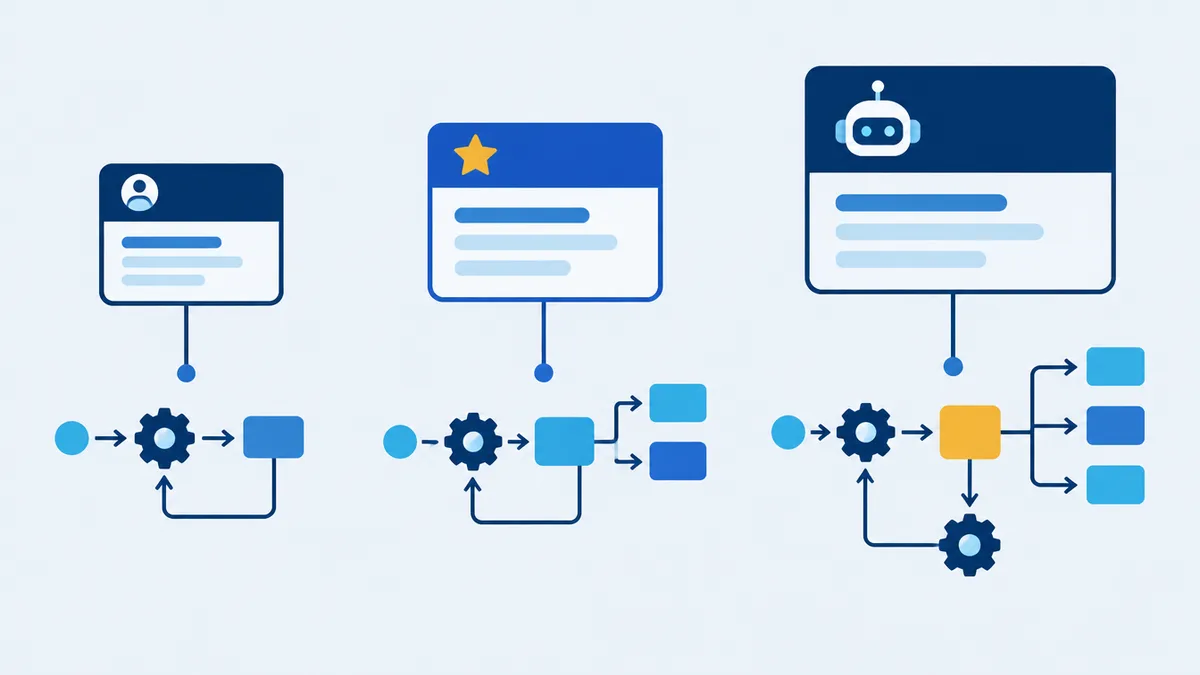
Since August 2026, every agent runs on a harness. The standard harness is classic Copilot Studio: topics, flows, and predictable behavior. The GitHub Copilot harness, generally available since August 2026, is designed for long, multi-step work that reasons across systems and produces Word, Excel, PowerPoint, or PDF files. Microsoft also lists a harness for customer-facing voice and chat in preview. Microsoft’s own advice is to move to a more capable harness only with a business case, because “a more capable harness can overwork a simple problem, increasing Copilot Credit consumption.”
A naming note: in August 2026 Microsoft rebranded Microsoft 365 Copilot as Microsoft Copilot. Many pages still use the old name.
How pricing works: Copilot Credits
Copilot Studio usage is measured in Copilot Credits, the unit formerly called “messages”. You can buy them three ways (USD list prices):
| Option | Price | Notes |
|---|---|---|
| Pay-as-you-go | $0.01 per credit | Billed monthly through an Azure subscription |
| Capacity pack | $200 per month, billed annually | 25,000 credits per month for the tenant; unused credits do not roll over |
| Pre-purchase plan | One year upfront, through Azure | Discounts from 5% to 20% depending on volume; unused credits expire |
The license for people who build agents (makers) costs nothing. You pay for what the agents consume.
What consumes credits (standard harness)
| Event | Credits |
|---|---|
| Classic (authored) answer | 1 |
| Generative answer | 2 |
| Agent action, including autonomous triggers | 5 |
| Tenant graph grounding (answers from your Microsoft 365 data) | 10 |
| Agent flow actions | 13 per 100 actions |
| Computer use | 5 per step |
A typical answer grounded in your SharePoint content therefore costs 12 credits (10 + 2), or $0.12 on pay-as-you-go. An autonomous agent that performs four actions costs 20 credits per run.
The GitHub Copilot harness has no fixed unit rate. Microsoft publishes planning ranges instead, roughly 100 to 500+ credits per task at runtime, and it bills from the moment you start building and testing, not only after you publish.
If a tenant runs out of prepaid capacity, custom agents are disabled at 125% of capacity and agent flows are blocked at 100%. Admins can set per-environment allocations and per-agent monthly limits in the Power Platform admin center.
What a Microsoft Copilot license already covers
For users with a Microsoft Copilot (formerly Microsoft 365 Copilot) license, standard-harness agent usage is not charged, including generative answers, tenant graph grounding, and agent actions, as long as:
- the agent is used by employees, inside Microsoft Copilot, Teams, or SharePoint;
- it runs with that licensed user’s identity;
- fair-use limits are respected.
Credits are charged for:
- agents used by unlicensed people or published on a website, WhatsApp, or another external channel;
- autonomous agents and flows that are not called directly by the agent;
- computer use;
- all GitHub Copilot harness usage, including building.
Copilot Chat users without a Copilot license can use agents that only rely on instructions or the public web for free. Agents grounded in company data such as SharePoint or Dataverse need pay-as-you-go billing.
One more detail that matters: Copilot Studio includes standard, premium, and custom Power Platform connectors inside agents, so a premium connector in an agent does not require a separate Power Automate Premium license.
Agents in SharePoint
SharePoint agents answer questions about a site or library using each person’s own permissions. Creating them requires a Copilot license. For unlicensed users they are billed at 12 credits per interaction through pay-as-you-go.
This is changing. According to Microsoft Learn, from mid-November 2026 new agents created from SharePoint and OneDrive will be built with Microsoft Copilot Agent Builder instead of .agent files, and existing .agent files stop responding after the end of March 2027, with no automatic upgrade. If you rolled out SharePoint agents in 2025 or 2026, plan the upgrade now.
Agent Builder, Copilot Studio, or Power Automate?
| Use | When |
|---|---|
| Agent Builder (inside Microsoft Copilot) | Simple question-and-answer agents over SharePoint, files, or the web, built by business users. It cannot call connectors or actions; for that, you copy the agent to Copilot Studio. |
| Copilot Studio, standard harness | Structured agents with connectors, flows, and predictable behavior: HR or IT help desks, request intake, agents for customers on external channels. |
| Copilot Studio, GitHub Copilot harness | Long, multi-system processes that need reasoning and produce documents, when the value justifies the variable cost. |
| Power Automate | High-volume, rule-based automation with no conversation. Cloud flows use Power Automate licensing, not Copilot Credits. |
How to keep costs predictable
- Start where licenses already cover usage: employee agents in Teams or Microsoft Copilot for licensed users.
- Prefer authored answers and flows for repetitive questions; generative answers and grounding cost more per turn.
- Separate automation from conversation. If no one needs to chat, a Power Automate flow is usually cheaper and simpler.
- Set limits before launch: environment allocations, per-agent caps, and Azure budget alerts.
- Measure for a month before buying packs or pre-purchase plans.
How we can help
We design and build Copilot Studio agents connected to SharePoint, Power Automate, Dataverse, and Nintex, and we estimate the credit consumption before you commit. If you already run Power Automate, we help you decide what belongs in an agent and what should stay a flow; see Power Automate licensing explained. Explore our Power Automate and Copilot services or book a discovery call and bring one process you would like an agent to handle.
Sources
- Microsoft, Copilot Studio Licensing Guide, October 2026, and Copilot Credits Guide, October 2026.
- Microsoft, Copilot Studio pricing, accessed October 2026.
- Microsoft Learn, What is Copilot Studio?, Billing rates and management, and Licensing, October 2026.
- Microsoft Learn, Harnesses overview and Choose a harness, 2026.
- Microsoft Learn, Manage GitHub Copilot harness usage, October 2026.
- Microsoft Learn, Agent cost considerations and Agent Builder, 2026.
- Microsoft Learn, Get started with SharePoint agents and Upgrade SharePoint agents, October 2026.
- Microsoft Learn, Computer use, October 2026.