Nintex eSign · AssureSign · DocuSign
Nintex eSign (formerly AssureSign) vs DocuSign: which one fits your process?
By Costa Consulting Group · · 4 min read
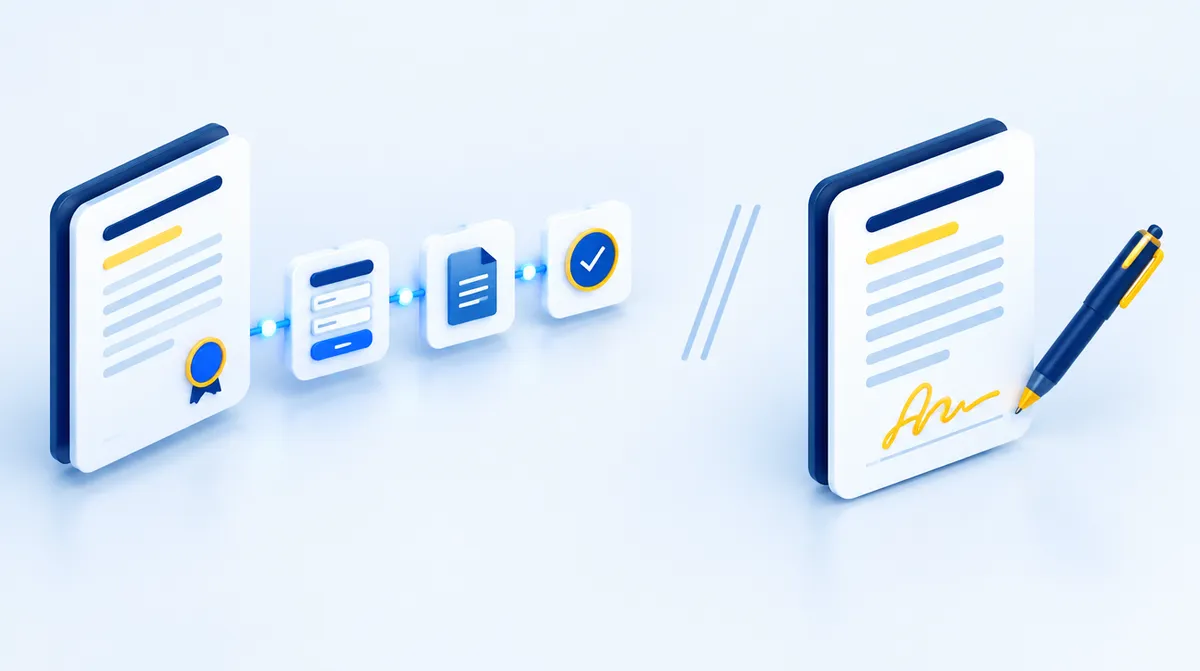
If you are comparing Nintex eSign, the product formerly called Nintex AssureSign, with DocuSign, you will find plenty of feature checklists. Most of them miss the question that decides the outcome: is the signature a step inside a larger process, or is it the whole job? Here is how the two compare, from a team that implements e-signature as part of automated processes every day.
The short version
- Both are legally binding for most business documents in the United States, under the federal ESIGN Act and the Uniform Electronic Transactions Act (UETA).
- Nintex eSign is part of the Nintex automation platform. It fits best when the signature is one step of a process that also generates the document, routes approvals, and files the result.
- DocuSign is a dedicated agreement platform with a very large integration catalog. It fits best when signing is used across many departments and applications, each with its own tools.
- They are not mutually exclusive. Nintex Workflow includes a DocuSign connector, so a Nintex process can send envelopes through DocuSign if that is your company standard.
What each product is
Nintex eSign
Nintex acquired AssureSign in 2021, and the product is now branded Nintex eSign. It sits under Nintex Automation CE, the cloud platform formerly known as Nintex Automation Cloud. According to Nintex, you can:
- Send documents for signature directly from Salesforce, Microsoft Dynamics CRM, or other systems.
- Let people sign by text message as well as by email, from any device.
- Brand the signing experience with your company’s look and feel.
- Automate sending and reminders, and trigger the next steps of the process once a document is signed.
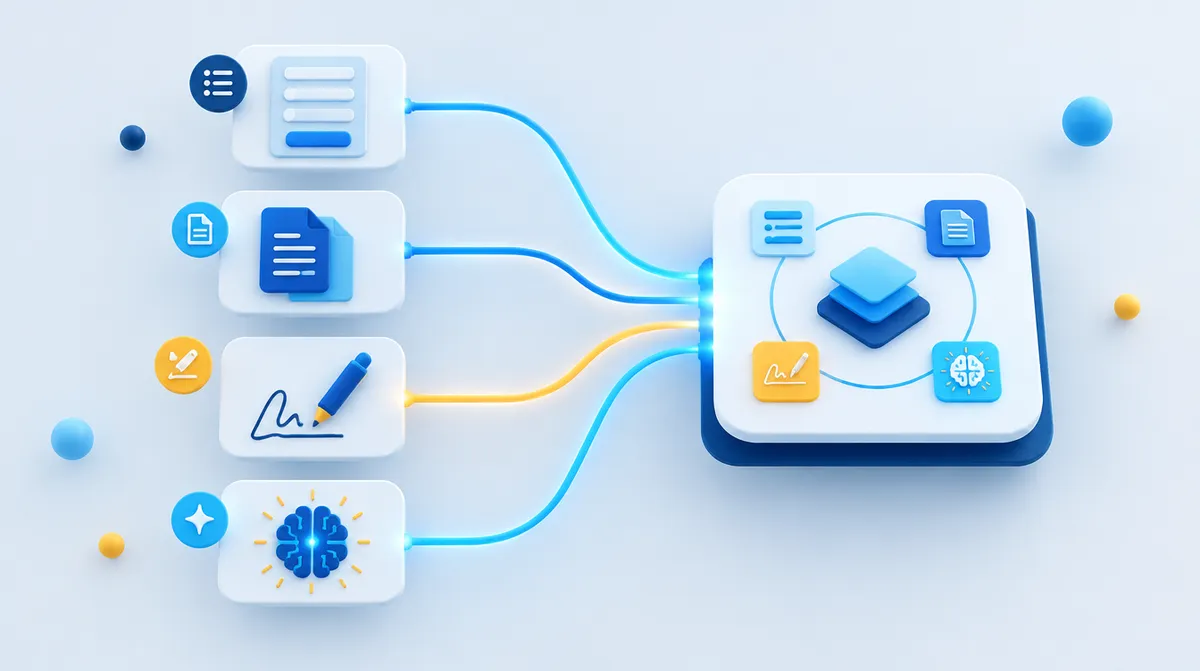
The last point is the one that matters most in practice. Combined with Nintex DocGen (document generation) and Nintex Workflow, the same platform builds the contract from your data, sends it for signature, and stores the signed copy where it belongs. We describe that pattern in detail on our e-signature page.
DocuSign
DocuSign eSignature is a stand-alone agreement platform. On its product page, DocuSign highlights:
- More than 1,100 pre-built integrations, including Salesforce, Microsoft 365, SAP, Workday, Google Workspace, and ServiceNow.
- Reusable templates, bulk sending on its business plans, and signing on any device with no account required.
- APIs for high-volume sending, and Intelligent Agreement Management (IAM) for creating and managing agreements beyond the signature itself.
Side by side
| Nintex eSign | DocuSign eSignature | |
|---|---|---|
| Formerly known as | Nintex AssureSign | — |
| Best at | Signatures as one step of an automated process | Signatures as a company-wide platform |
| Document generation | Nintex DocGen, on the same platform | Separate products and integrations |
| Workflow and approvals | Nintex Workflow, on the same platform | Through integrations, or DocuSign’s own agreement tools |
| Integrations | Salesforce, Microsoft Dynamics, other Nintex products | 1,100+ pre-built integrations |
| Works with the other | Nintex Workflow has a DocuSign connector | — |
We left pricing out on purpose. Both vendors price by plan and volume, and quotes depend on your use case, so a fair comparison needs your numbers.
When Nintex eSign is the better fit
- The signature is the middle of a process, not the end. Purchase agreements, onboarding packets, or customer contracts that start with a form, need approvals, and must be filed with the right metadata.
- You already run Nintex, or you are choosing a platform for forms, workflows, and documents anyway. One vendor, one platform, one partner to support it.
- Your documents come from Salesforce. Nintex DocGen for Salesforce generates the document from the record, and Nintex eSign sends it for signature without leaving the process.
When DocuSign is the better fit
- Many teams sign many kinds of documents across different applications, and you want one signing standard for all of them.
- You depend on a specific integration from DocuSign’s catalog that your process cannot do without.
- DocuSign is already your company standard. In that case, keep it, and automate the process around it: a Nintex workflow can call DocuSign through its connector.
Questions to ask before you decide
- Where does the document come from, and who has to approve it before it is signed?
- Where must the signed copy and its audit record end up?
- How many people send documents for signature, and from which applications?
- Do any of your documents need a specific type of signature or identity check?
- What do you already pay for? Many companies own more signing capability than they use.
If you also sign documents in Chile, note that Chilean law distinguishes simple from advanced electronic signatures; our Chilean team explains it in Spanish.
How we can help
Costa Consulting Group is a Nintex partner with certified consultants. We implement Nintex eSign together with Nintex DocGen and Nintex Workflow, and we also automate processes that sign through DocuSign when that is the company standard. If you are an existing AssureSign customer, we can help you get more out of what you already have. Book a discovery call and bring one real process; we will tell you which option fits it.
For document-heavy work in regulated industries, such as lab reports or certificates signed with each professional’s own digital certificate, see SignRelay, our bulk-signing product.
Sources
- Nintex, Nintex eSign.
- Nintex, Nintex eSign User Guide: “Nintex AssureSign is now branded as Nintex eSign.”
- Thoma Bravo, Nintex acquires eSignature leader AssureSign, 2021.
- Nintex, DocuSign connector for Nintex Workflow.
- DocuSign, DocuSign eSignature.
Product capabilities and plans belong to each vendor and may change. This article reflects their public information as of October 2026.