Nintex · Nintex Automation CE · Nintex Workflow
Nintex Automation Cloud is now Nintex Automation CE: what changed and what it means for your workflows
By Costa Consulting Group · · 4 min read
If you have searched for Nintex Automation Cloud or Nintex Workflow Cloud lately, you have probably landed on pages that talk about Nintex Automation CE instead. It is the same cloud platform under a new name, and in 2026 Nintex also changed what that platform includes. Here is what changed, and what we recommend you do about it.
The short version
- Nintex Automation CE is the current name of Nintex’s cloud automation platform, formerly Nintex Automation Cloud. Nintex’s own site also calls it Nintex Cloud Automation CE.
- Nintex Workflow, formerly Nintex Workflow Cloud, is the workflow product inside it.
- Nintex eSign is the e-signature product formerly called Nintex AssureSign.
- On August 26, 2026, Nintex announced a unified platform experience and Nintex Solutions, a way to package and deploy complete automations with built-in lifecycle management.
- Nintex Orchestration and Nintex Agent Designer, which bring AI agents into your processes, are in open beta. Nintex plans general availability for later this year, on the Professional tier and above.
What the new names cover
| What you may know it as | What Nintex calls it now |
|---|---|
| Nintex Automation Cloud | Nintex Automation CE |
| Nintex Workflow Cloud | Nintex Workflow, part of Nintex Automation CE |
| Nintex AssureSign | Nintex eSign |
| K2 | Nintex Automation K2 (self-hosted) |
The names matter mostly when you search for documentation, training, or support. Nintex’s 2026 announcements describe new capabilities on the same platform; they do not describe a migration for workflows you already run there.
What Nintex released in 2026
One platform instead of separate products
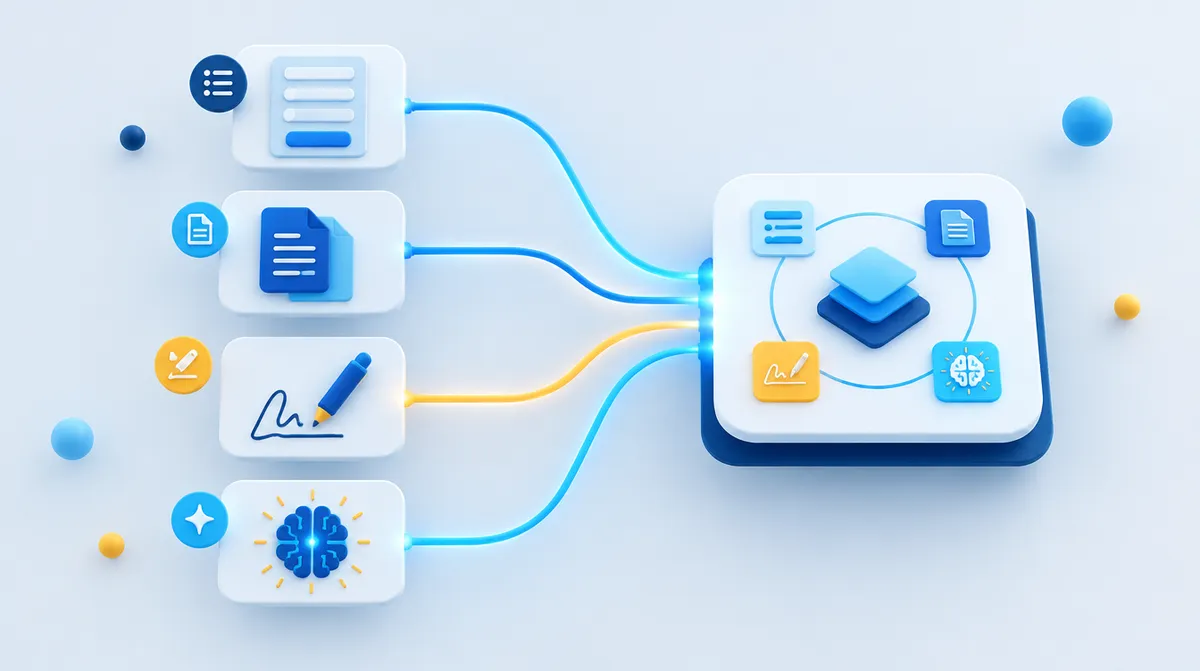
Nintex says all of its products, including Nintex Apps and Process Manager, are being brought into the Nintex Automation CE navigation, so workflows, forms, apps, documents, orchestration, and AI agents live in one connected experience instead of separate windows.
Nintex Solutions, with lifecycle management built in
Nintex Solutions groups related workflows, forms, apps, documents, and integrations into a single governed package tied to a business outcome. According to Nintex, it includes application lifecycle management: versioning, approvals, and promotion from development to production as one unit. Solutions can be built by hand, with AI assistance, or from templates in the Nintex Gallery.
For anyone who has moved workflows between environments by exporting them one at a time, this is the change most likely to save time.
Orchestration and AI agents, with people in the loop
Nintex Orchestration replaces the strict start-to-finish model with phases, so a process can move forward, go back, or repeat steps when real conditions require it.
Nintex Agent Designer places AI agents inside that orchestration. Agents can read unstructured information and handle decisions that a rule cannot. When an agent needs more context, it can escalate, ask for clarification, or hand the step to a person. Both are in open beta for Nintex Automation CE and Nintex Workflow customers.
Smaller additions worth knowing
- AI actions in Nintex Apps: detect and translate language, summarize text, and analyze sentiment, without AI expertise.
- Signatures in Nintex Documents: a lightweight signing step inside document generation, with up to five sequential signers. For more advanced signing needs, Nintex eSign remains the dedicated product.
What we recommend
- Update your internal names. Training material, runbooks, and support tickets that say Automation Cloud or Workflow Cloud will confuse new staff. Use Nintex Automation CE and Nintex Workflow.
- If you still run Nintex for SharePoint on-premises, plan the move now. Microsoft ended support for SharePoint Server 2016 and 2019 on July 14, 2026. We inventory your workflows and forms, decide which to migrate, rebuild, or retire, and move them in stages. See our Pluspetrol case study.
- Try AI agents on one contained process first. Pick a step that today needs someone to read a document or an email and decide where it goes. Keep a person approving the outcome until the results are consistent.
- Package new work as Solutions. Building new automations as Solutions from the start makes them easier to move between environments and to hand over.
- Choose the right signing tool. Use the signature step in Nintex Documents for simple, sequential signing inside a generated document, and Nintex eSign when you need its full signing features.
How we can help
Costa Consulting Group is a Nintex partner with certified consultants (Nintex Automation Specialist I and II). We help companies across the United States plan migrations, design workflows on Nintex Automation CE, and pilot the new orchestration and agent features with the right controls. If you want a second opinion on where to start, book a discovery call.
Sources
- Nintex, Nintex advances agentic business orchestration with unified platform and Nintex Solutions, August 26, 2026.
- Nintex, New at Nintex Q2 2026: Agentic orchestration, built-in AI, and a more unified platform, June 3, 2026.
- Nintex, Nintex eSign.
Product availability and plans are Nintex’s and may change. This article reflects Nintex’s public announcements as of October 2026.